AD Pencils Garden
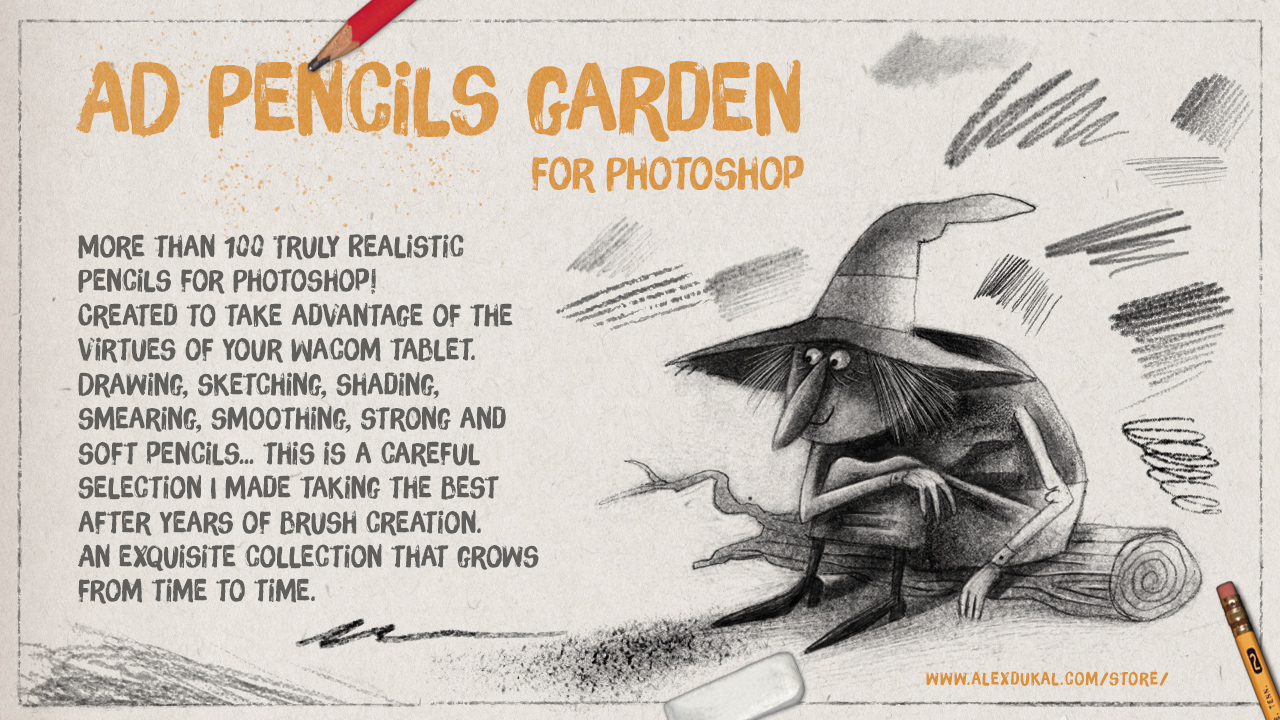
More than 100 Truly Realistic Pencils for Photoshop!
Created to take advantage of the virtues of your Wacom tablet.
This is a set of brush presets for drawing, sketching, shading, smudging, texturing, it includes soft and hard pencils, erasers, blenders and two wonderful watercolour pencils… this is a careful selection I made choosing my best digital pencils after years of brush creation. An exquisite collection that grows from time to time.
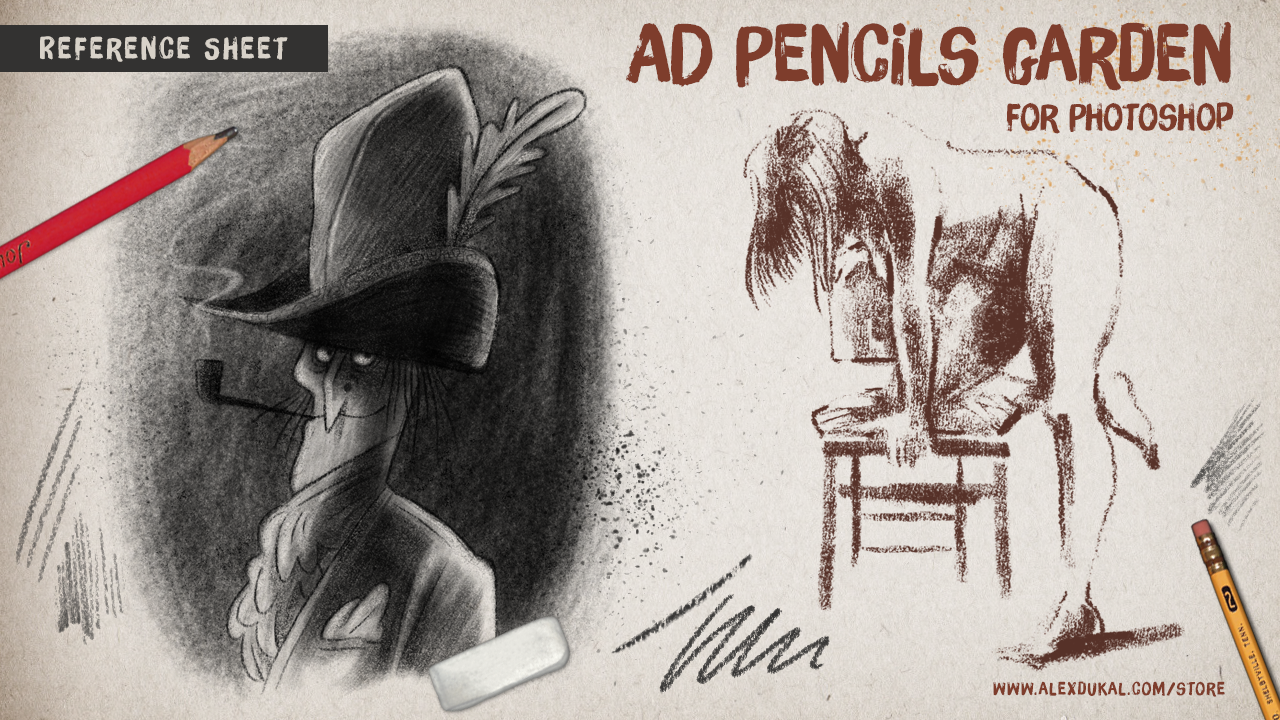
Take a look at the reference sheet: AD Pencils Garden – Reference Sheet (PDF 4,6 Mb.)
This was the first test I made after the last update (v1.2 – October 2016):

or watch this old demo with some of the pencils in action (this was Pencils Garden v1.1):

Update 2016 – Version 1.2
This has been a huge update! The package has grown from 37 to 105 Tools.
Please, be advised that I reordered the brushes into sections (The Pencils, Erasers, Shaders, Smudge & Blend, Graphito, Charcoal and Conté) and the old presets actually have a different number and are mixed with the new ones.
Requirements
Most of this brushes & presets were created in Photoshop Creative Cloud (from CC to CC2015.5) using a Wacom Intuos 4 Tablet.
Tested also in Photoshop CS6 with a Wacom Graphire 4 and a Cintiq Companion Hybrid.
RECOMMENDED SETUP: Photoshop Creative Cloud (CC to CC 2015.5) plus a Wacom tablet.
MINIMUM REQUIREMENTS: Photoshop CS5 + Wacom tablet, but… with this setup do not expect to use the brushes in the exactly same way I created them. Photoshop CS6 is fine for this brushes.
Take note that the Wacom Graphire and Bamboo models has less pressure levels and the absence of some options (Eg.: there’s no TILT option for brushes).
What the purchase includes?
The Pencils Garden ZIP file (32 Mb. – 105 Brushes) includes:
- AD_Pencils_Garden_V1.2.tpl (35,9 Mb.) This is the main file with 105 Presets.
- Some Help images. ( Download the Reference Sheet from this link [PDF 4,6 Mb.] )
- A TXT file with the License of use for a Single User (Please, read it!)
Importante: Los clientes en Argentina tienen la opción de realizar sus pagos en efectivo, utilizando Rapipago y/o Pago Fácil, luego de optar por Mercado Pago como método de pago. Verán el costo del producto en pesos (cambio oficial del día) antes de concretar la operación en Mercado Pago.